
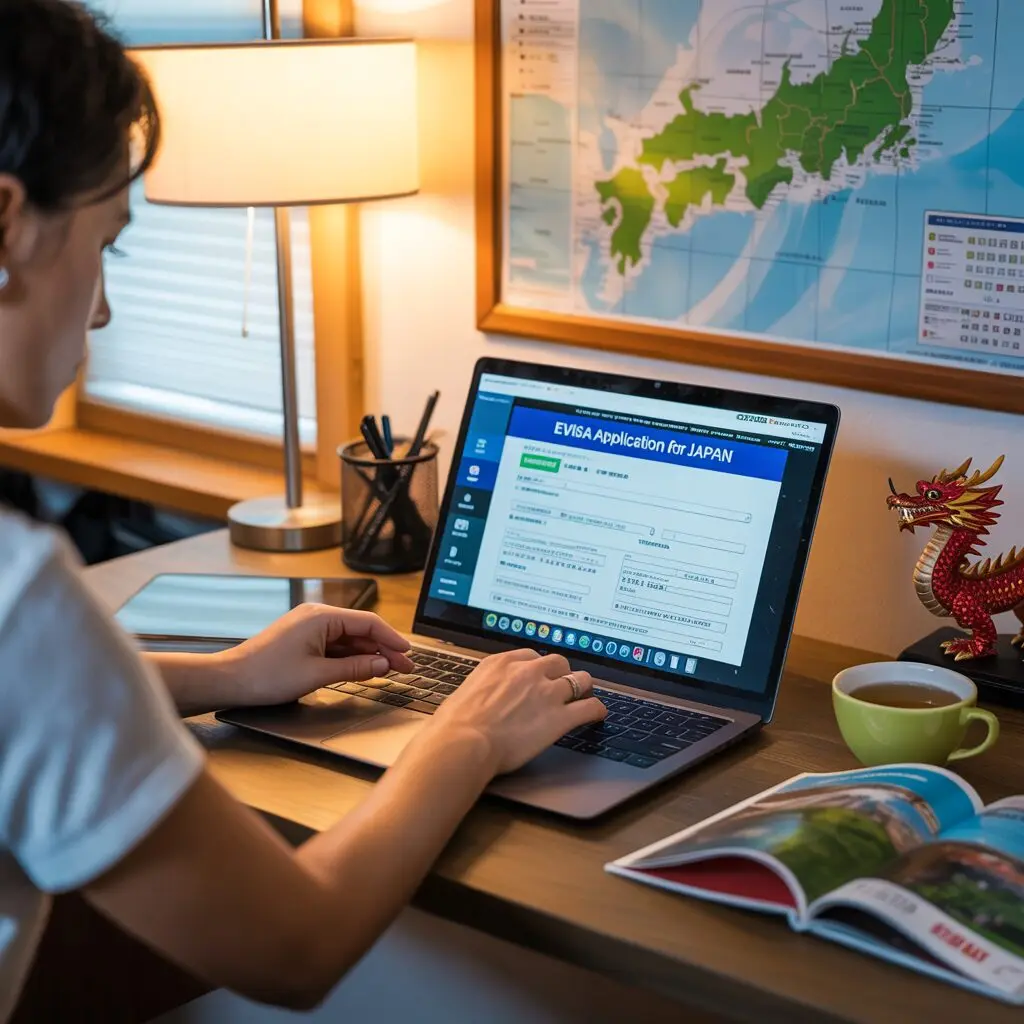
You can apply for a Japan eVisa online through the official portal at evisa.mofa.go.jp in 30 minutes or less, without visiting an embassy or consulate. The online application system accepts digital documents, processes payments by credit card, and delivers the approved eVisa as a downloadable PDF within 5 business days.
Is the Japan eVisa Available Online?
Yes. Japan’s Ministry of Foreign Affairs launched the JAPAN eVISA system to allow travelers from visa-required countries to apply entirely online. The portal is accessible at evisa.mofa.go.jp and is available 24 hours a day, 7 days a week.
The online system replaced the previous requirement to visit a Japanese embassy or consulate in person. You can now complete the entire process from your computer or smartphone – from account creation to visa download.
Important: The eVisa is only available to citizens of countries that require a visa for Japan. Citizens of visa-exempt countries (US, UK, Canada, Australia, EU, etc.) do not need to apply – they can enter Japan visa-free with a valid passport.
What You Need Before Applying Online
Gather these items before starting your online application:
- Valid passport with 6+ months remaining validity
- Digital passport photo (45mm x 45mm, JPEG format, white background)
- Color scan of passport bio page (PDF or JPEG, under 2MB)
- Flight booking confirmation (PDF or screenshot)
- Hotel booking confirmation (PDF or screenshot)
- Bank statements from the last 3 months (PDF)
- Credit or debit card for payment (Visa, Mastercard, or JCB)
- Email address you can access during travel
Having all documents ready before starting saves time and ensures you can complete the application in one session.
Step-by-Step: How to Apply for Japan eVisa Online
Step 1: Visit the Official Portal
Go to evisa.mofa.go.jp and click “Apply for Visa” or “New Application.” The portal supports multiple languages including English, Chinese, Korean, and Japanese.
Warning: Only use the official MOFA portal. Third-party websites that look similar often charge $50-150 in unnecessary service fees.
Step 2: Create Your Account
Register with your email address and create a password. You will receive a verification email – click the link within 24 hours to activate your account. Use an email address you check regularly, as all communication about your application will be sent there.
Step 3: Select Your Visa Type
Choose the appropriate category:
- Tourism – For sightseeing, cultural activities, and recreational travel
- Business – For meetings, conferences, and professional activities
- Visiting Relatives – For visiting family members in Japan
- Transit – For passing through Japan to another country
Each category has slightly different document requirements. Select the one that matches your actual travel purpose.
Step 4: Complete the Application Form
Fill in all required fields. The form has several sections:
- Personal information – Name (as on passport), date of birth, gender, nationality, marital status
- Contact details – Current address, phone number, email
- Passport information – Number, issue date, expiry date, issuing country
- Employment details – Occupation, employer name and address
- Travel details – Entry/exit dates, port of entry, accommodation address
- Purpose of visit – Detailed explanation of why you are traveling to Japan
Take your time and ensure every field matches your passport and documents exactly. You cannot edit the application after submission.
Step 5: Upload Your Documents
Upload each required document in the specified format:
| Document | Format | Max Size |
|---|---|---|
| Passport bio page | PDF or JPEG | 2MB |
| Passport photo | JPEG | 2MB |
| Flight itinerary | PDF or JPEG | 2MB |
| Hotel booking | PDF or JPEG | 2MB |
| Bank statements | 2MB per file |
Ensure all documents are clear, legible, and in color. Black-and-white scans or blurry photos are common rejection reasons.
Step 6: Review Your Application
The portal displays a complete summary of your application. Review every detail:
- Does your name match your passport exactly?
- Are the travel dates correct?
- Are all documents uploaded and readable?
- Is the accommodation information complete?
If you find an error, you must cancel the application and start over. There is no edit function after submission.
Step 7: Pay the Visa Fee
The eVisa fee is 7,500 JPY (approximately $50 USD) for a single-entry visa. Payment is made by credit or debit card through the portal’s secure payment gateway. Accepted cards include Visa, Mastercard, American Express, and JCB.
After payment, you will receive a confirmation email with your application number. Save this number – you need it to check your status.
Step 8: Wait for Processing
Standard processing takes 5 business days. You will receive email notifications when your status changes. Log into the portal anytime to check the current status of your application.
Step 9: Download Your eVisa
Once approved, log into the portal and download your eVisa as a PDF file. The eVisa contains:
- Your personal information and photo
- Visa type and validity dates
- A QR code for immigration scanning
- Your application reference number
Print at least 2 copies of your eVisa. Keep one in your carry-on and one in your checked luggage. You can also save it on your phone as a backup.
Tips for a Successful Online Application
- Use a desktop or laptop computer – The portal works on mobile but is easier to navigate on a larger screen.
- Save your progress – The portal allows you to save partially completed applications and return later.
- Use a stable internet connection – A dropped connection during document upload can corrupt files.
- Name your files clearly – Use descriptive filenames like “passport-scan.pdf” instead of “IMG_1234.jpg”.
- Apply during business hours (Japan time) – Technical support is available during Japanese business hours.
- Keep your application number – Write it down or save the confirmation email for future reference.
Common Questions About Online Application
Can I apply for a Japan eVisa online from any country?
Yes. The eVisa portal is accessible worldwide. You can apply from any country as long as you have internet access and the required documents. Your nationality determines whether you need a visa, not your current location.
Can I apply for someone else online?
Yes. A family member, travel agent, or authorized representative can submit an application on behalf of the traveler. The representative must create their own account and provide the traveler’s documents and information.
What if the portal is not working?
The eVisa portal occasionally undergoes maintenance. Try again later or clear your browser cache. If the problem persists, contact the eVisa support desk through the inquiry form on the portal.
Can I save my application and finish later?
Yes. The portal saves your progress automatically. You can log out and return to complete your application at any time. However, once submitted, you cannot make changes.
Do I need to print the eVisa?
While a digital copy on your phone may be accepted at some immigration checkpoints, printing at least one physical copy is strongly recommended. Japanese immigration officers prefer scanning a printed QR code.
What browser should I use?
The portal works best with Chrome, Firefox, Safari, and Edge. Internet Explorer is not supported. Ensure your browser is updated to the latest version for the best experience.
Can I track my application after submitting?
Yes. Log into the eVisa portal with your account credentials and navigate to “My Applications.” You will see the current status of each application you have submitted.
What if I need to change my travel dates after getting the eVisa?
Minor date changes (within the visa validity period) are generally acceptable. Major changes may require a new application. Contact the Japanese consulate if your travel dates change significantly.
Last updated: June 2026. Based on official JAPAN eVISA portal guidelines. Apply at evisa.mofa.go.jp.